


Description
Download AnyDesk Remote Control APK – Remote Desktop, Cross-Platform Access, Secure Connection
Overview
AnyDesk Remote Control is a desktop application designed for remote access and management of computers, tablets, and mobile devices from any location. It enables users to connect to and control remote systems securely over any network, making it suitable for both personal and professional environments. The software supports a wide range of use cases, including remote IT support, system administration, collaborative work, remote training, and virtual meetings. Its ability to facilitate real-time access across multiple platforms helps eliminate geographical barriers in modern workflows. The developer, AnyDesk Software GmbH, has positioned the tool as a secure and efficient solution for users requiring reliable remote connectivity. The application is available for free download, with optional subscription plans for advanced features and larger-scale deployments. It is particularly beneficial for remote teams, freelancers, and IT professionals who need to troubleshoot or manage systems outside their physical workspace. The software’s cloud-based architecture allows for scalable access, enabling users to connect from devices of varying capacities. While specific performance metrics were not provided, the application is described as lightweight and efficient, ensuring stable operation even on low-bandwidth connections. The developer did not specify exact system requirements, and compatibility details are limited to the platforms mentioned.
Key Features & Capabilities
- Remote Desktop Access: Allows users to take full control of a remote computer or device as if they were sitting in front of it, enabling seamless troubleshooting and management.
- File Transfer: Supports secure transfer of files and folders between local and remote systems, streamlining collaboration and data sharing.
- Session Recording: Enables users to record remote sessions for auditing, training, or documentation purposes.
- Remote Printing: Lets users print documents from a remote machine to a local printer, enhancing workflow continuity.
- Wake-on-LAN Support: Allows turning on or waking up a powered-off device remotely, ensuring availability when needed.
- Audio and Video Streaming: Facilitates real-time audio and video communication during remote sessions, ideal for virtual meetings and remote training.
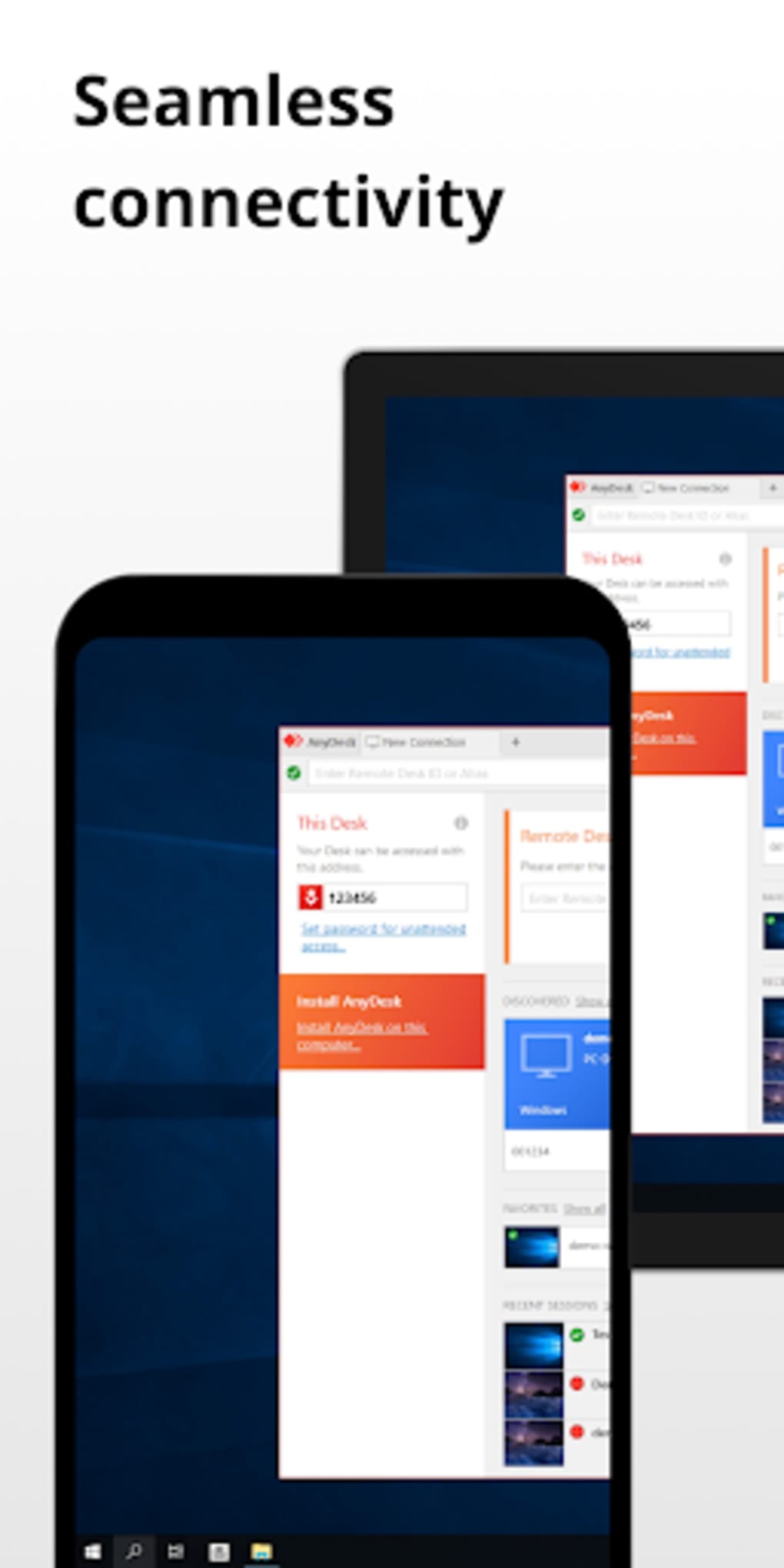
- Multi-Platform Compatibility: Functions across Windows, macOS, Linux, Android, and iOS, supporting computers, tablets, smartphones, and smart TVs.
- Cloud-Based Connection System: Uses a cloud infrastructure to simplify device discovery and connection setup without complex network configurations.
These features collectively support remote work environments, IT support operations, and collaborative projects. For example, an IT technician can remotely access a user’s workstation to resolve an issue, transfer files, and record the session for future reference. Similarly, educators can conduct remote classes using shared screen and audio capabilities. The software’s design emphasizes usability, allowing users to perform complex tasks with minimal setup. The developer did not provide detailed technical specifications for feature performance or resource usage.
User Interface, Workflow & Performance
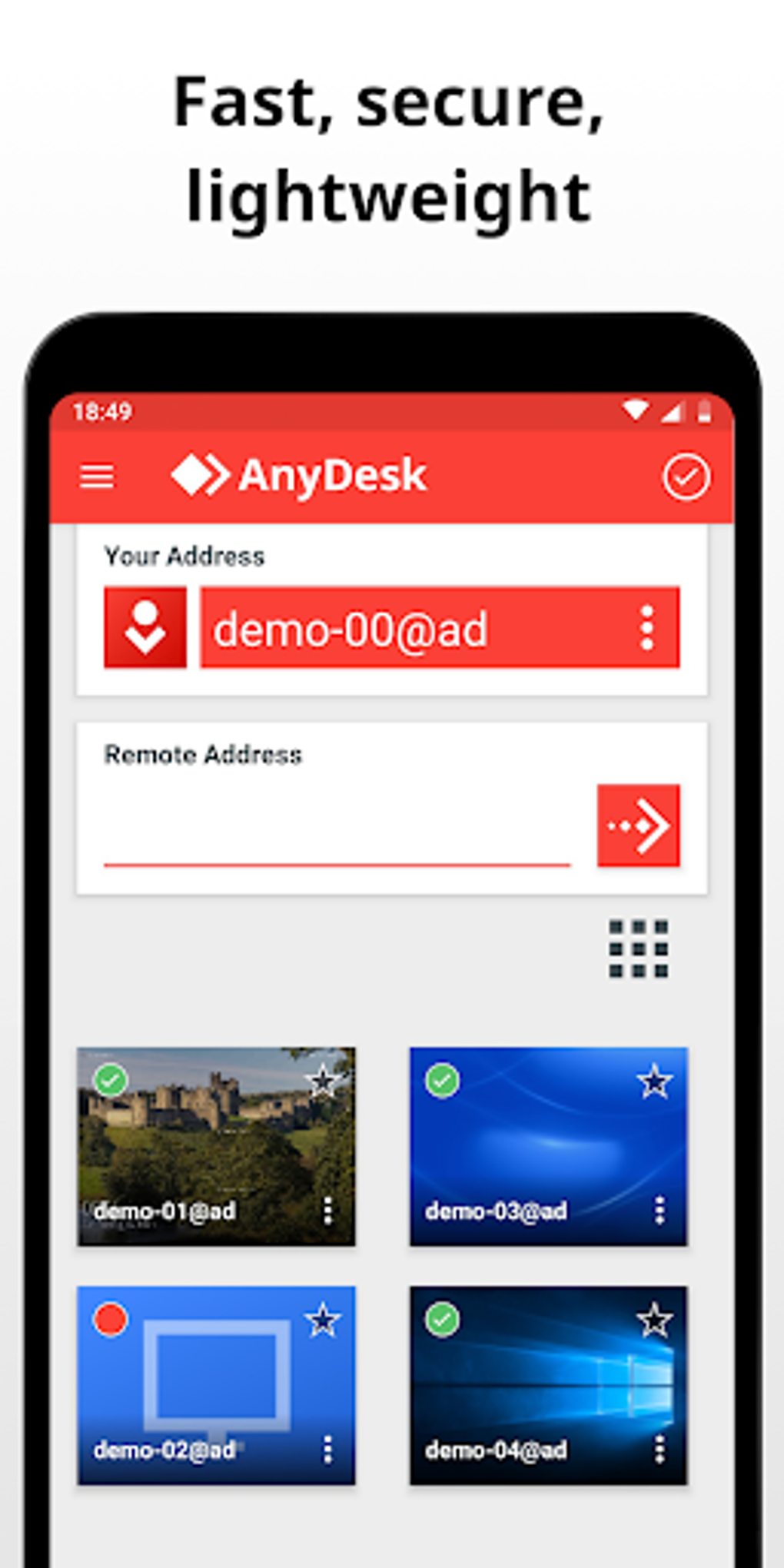
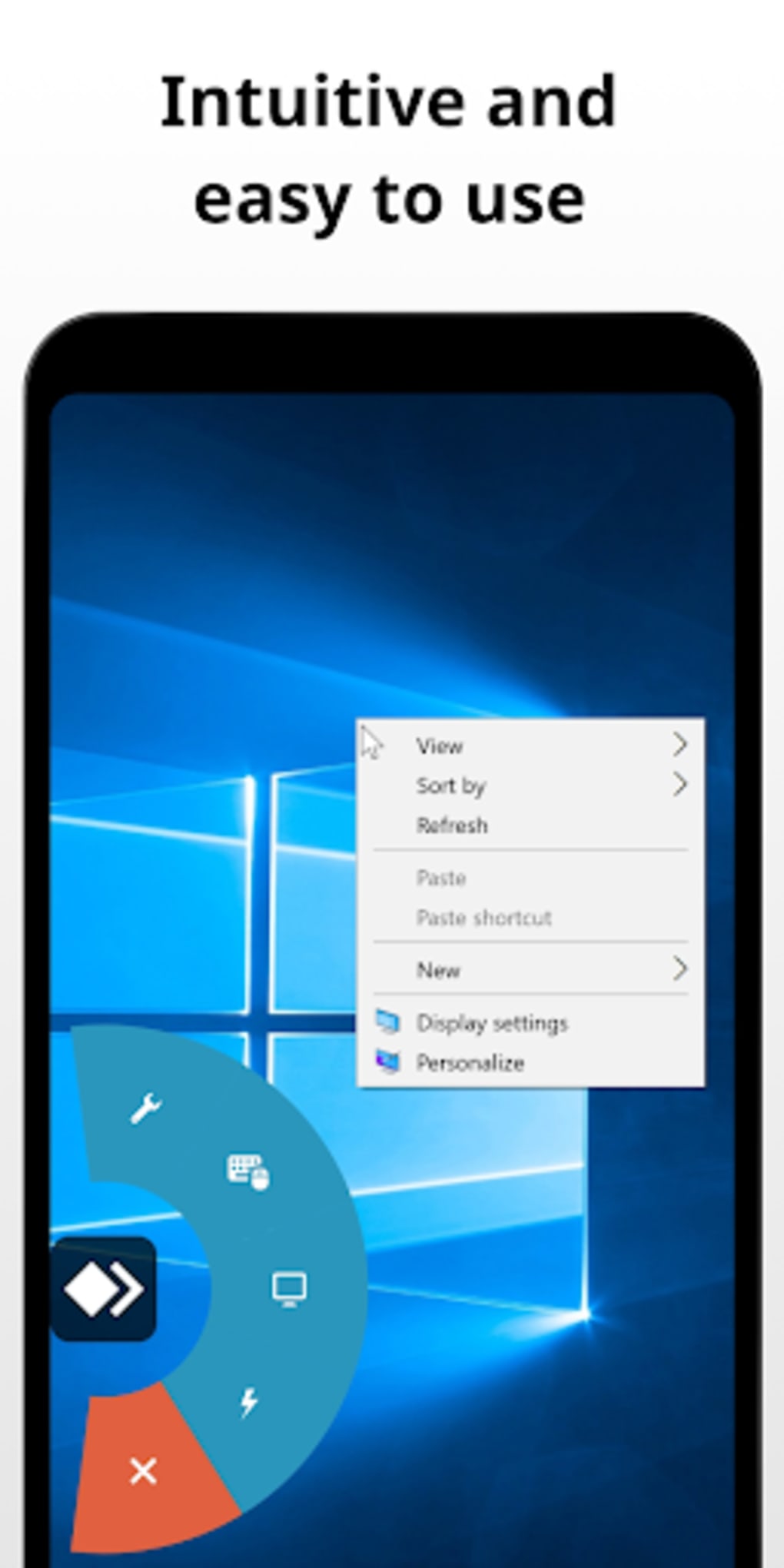
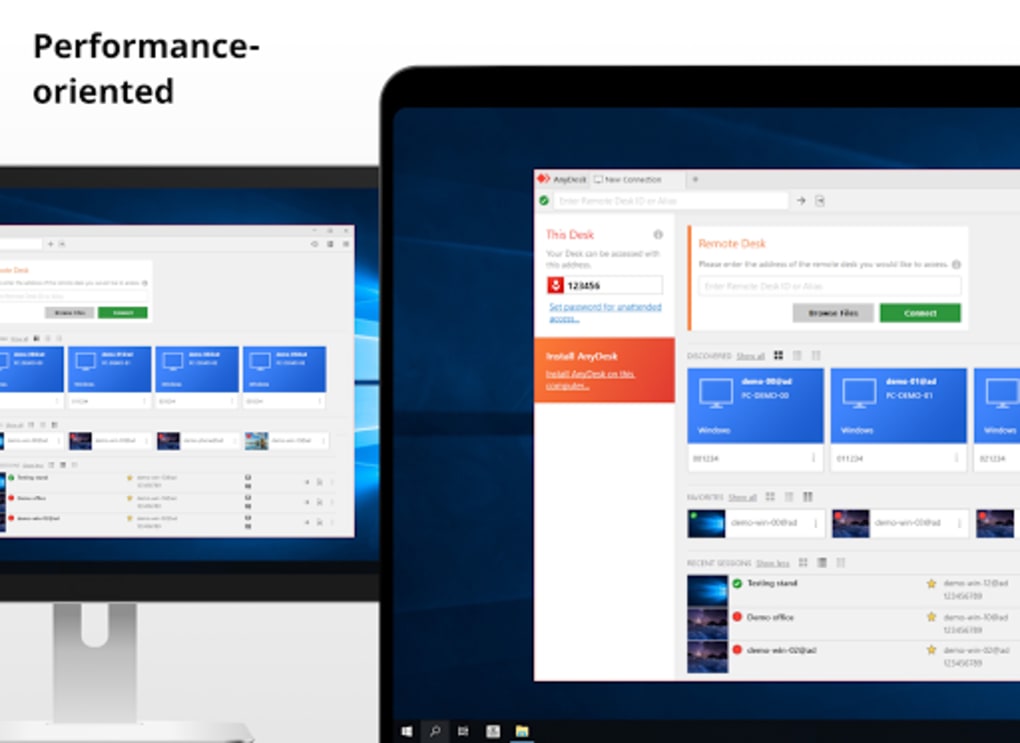
The user interface of AnyDesk Remote Control is described as intuitive and user-friendly, featuring a clean and minimalistic design that enhances navigation and reduces cognitive load. The main dashboard provides quick access to connected devices, recent sessions, and essential tools. Users can initiate a remote connection by entering a unique device ID or scanning a QR code, streamlining the setup process. The workflow is optimized for speed and efficiency, with minimal steps required to establish a secure session. The software is designed to be lightweight, which contributes to smooth performance even on older hardware and under constrained network conditions. However, the developer did not specify exact resource usage details such as CPU or RAM consumption. Performance observations are based on general software behavior patterns. Stability appears to be consistent, especially in low-bandwidth scenarios, due to the application’s optimized data transmission protocols. The software is regularly updated to maintain compatibility and improve functionality, though specific update frequency was not disclosed. No user-reported issues were mentioned in the provided information.
Compatibility & System Requirements
AnyDesk Remote Control is compatible with Windows, macOS, Linux, Android, and iOS operating systems. It supports a broad range of devices, including computers, tablets, smartphones, and smart TVs. The application is available as a downloadable desktop version and an APK for Android devices. The installation size was not specified in the provided information. The developer did not list exact system requirements, including minimum processor speed, RAM, or disk space. Compatibility information is limited to the platforms and device types mentioned. Users should ensure their devices meet general system standards for running modern desktop applications. The software is designed to function efficiently on older hardware, suggesting broad accessibility. However, exact hardware requirements were not provided.
Pros and Cons
Pros
- Lightweight and efficient performance, even on low-bandwidth connections
- Intuitive and clean user interface for easy navigation
- Supports remote file transfer, printing, and session recording
- Available for free with optional subscription plans for advanced use
- Multi-platform compatibility across desktop and mobile devices
- Uses AES-256 encryption and two-factor authentication for enhanced security
- Cloud-based system simplifies device connection and discovery
Cons
- Exact system requirements were not listed
- Pricing details for subscription plans were not provided
- Resource usage (CPU/RAM) was not specified
- Potential for misuse if access credentials are compromised
- Performance on very low-end hardware is not confirmed
FAQ Section
Is AnyDesk Remote Control safe to use?
The software employs AES-256 encryption and supports two-factor authentication to ensure secure communication. It is designed to protect data during remote sessions, though users should follow best practices for password management.
Can I use AnyDesk on multiple devices?
Yes, the application is compatible with various devices, including computers, tablets, smartphones, and smart TVs. Users can access their systems from any device with the app installed.
Does AnyDesk require a subscription to function?
No, a free version is available for personal, single-user use. Subscription plans are optional and provide access to advanced features and larger user counts.
Is AnyDesk suitable for remote IT support?
Yes, the software is well-suited for IT professionals who need to remotely troubleshoot, manage settings, distribute software, and monitor system health from any location.
Can I use AnyDesk offline?
While the application relies on a cloud-based system for initial connection setup, remote sessions require an active internet connection. Offline access to stored data is not supported.
Final Thoughts
AnyDesk Remote Control stands out as a reliable and secure solution for remote access and device management. Its cross-platform compatibility, intuitive interface, and robust feature set make it a strong choice for individuals, businesses, and educational institutions. The free version offers sufficient functionality for personal use, while subscription plans cater to professional and enterprise needs. The software’s lightweight design and efficient performance on low-bandwidth networks enhance its accessibility and usability. Despite the absence of detailed system requirements and pricing information, the tool demonstrates a clear focus on security, ease of use, and scalability. For remote teams, IT administrators, and professionals seeking seamless access to their work environments, AnyDesk delivers consistent value. Download AnyDesk Remote Control APK now to experience secure, efficient remote connectivity across all your devices.
Guides & Tutorials for AnyDesk Remote Control APK
How to install AnyDesk Remote Control APK
- Click the Preview / Download button above.
- Once redirected, accept the terms and click Install.
- Wait for the AnyDesk Remote Control APK download to finish on your device.
How to use AnyDesk Remote Control APK
This software is primarily used for its core features described above. Open the app after installation to explore its capabilities.
User Reviews for AnyDesk Remote Control APK 0
No reviews found





